Our machines / Olsztyn
3D printing from prototype to production run
SLS, SLA and nine FDM printers, with scanning, dyeing and finishing in Olsztyn.
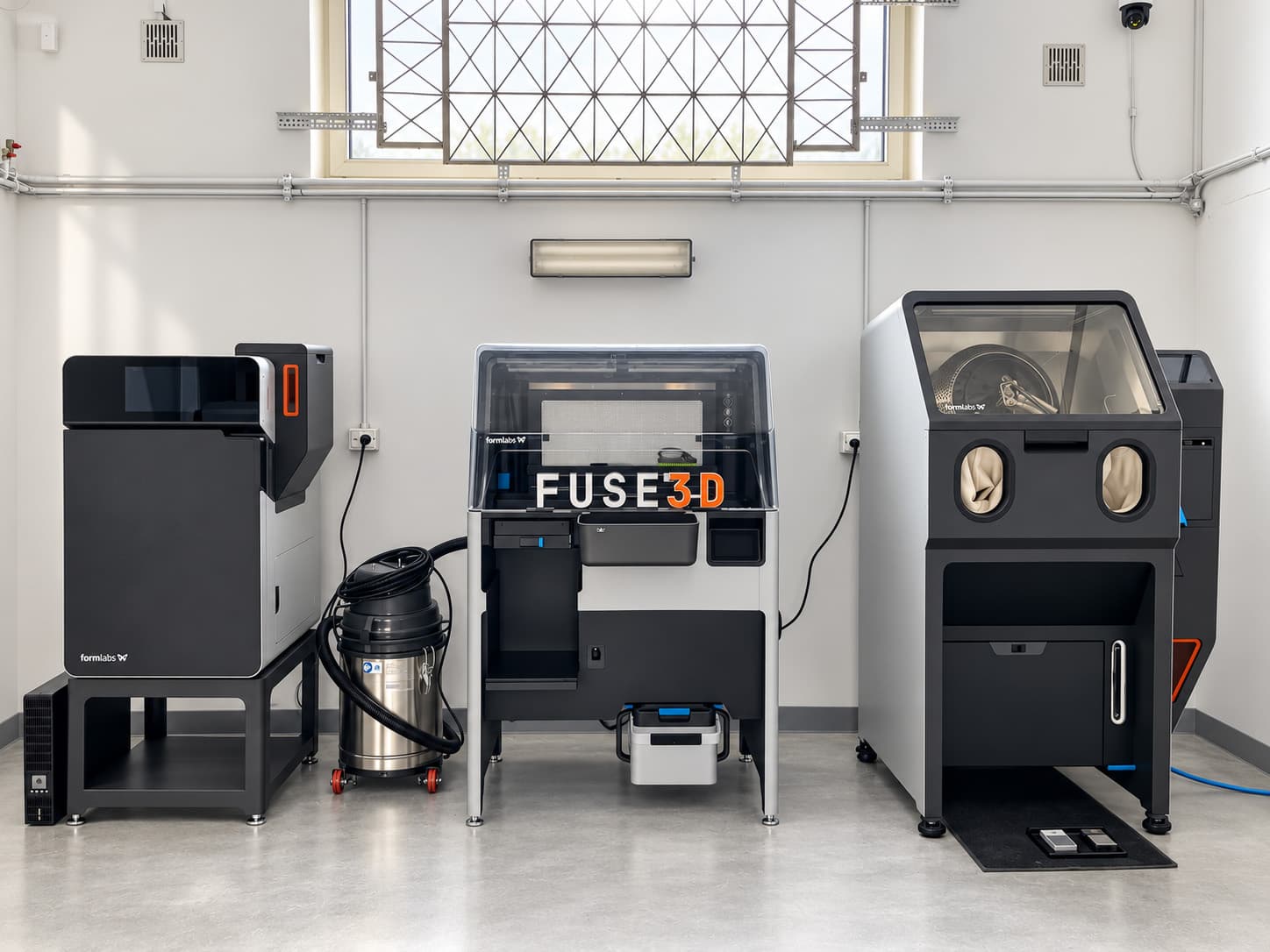
SLS · Selective Laser Sintering
Fuse 1+ 30W, laser sintering
PA12, PA11 and TPU powder printing without supports. From prototype to series; we choose material and geometry for the loads and operating conditions.
- working chamber, mm
- 165×165×300
- layer thickness
- 110 µm
- laser power
- 30 W
- materials
- PA12 · PA11 · TPU
SLA · Low Force Display
Form 4L, large-format resin
Resin models, housings and detailed parts. Supports and finishing depend on geometry; transparency depends on the resin and post-processing.
- build volume, mm
- 353 × 196 × 350
- minimum layer, profile-dependent
- 25 µm
- printing technology
- LFD
- catalogue, 4 stocked
- 19 resins
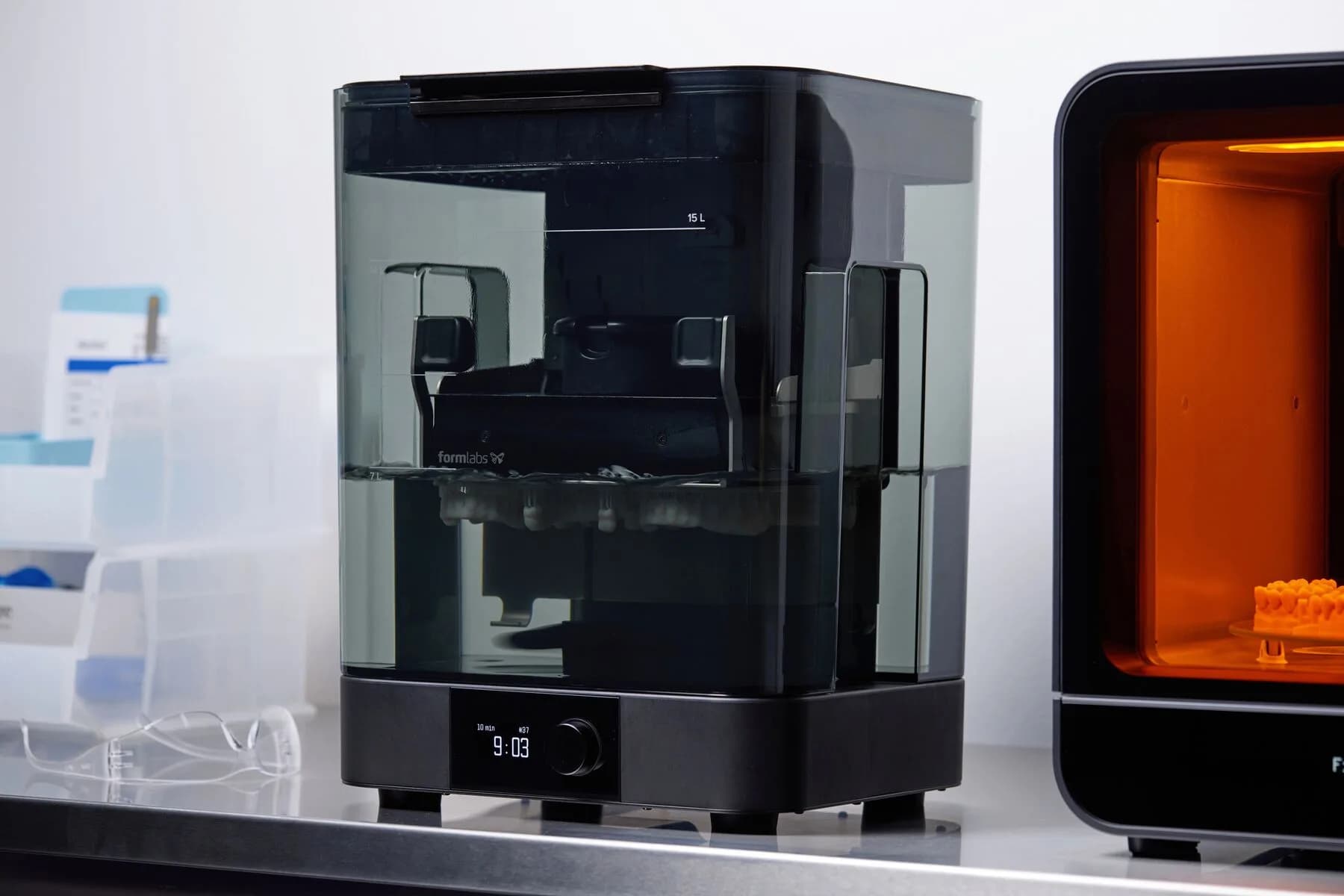
POST-PROCESSING SLA · Washing and curing
Form Wash L + Form Cure L, full post-print cycle
Form Wash L washes and Form Cure L post-cures SLA parts. We choose fluid, time and temperature for the resin and surface access; properties are compared under the conditions in its technical data sheet.
- washing bath
- 43 l
- detail in wash, mm
- 353×200×296
- curing
- 405 nm / 100 °C
- UV chamber table
- Ø404 mm
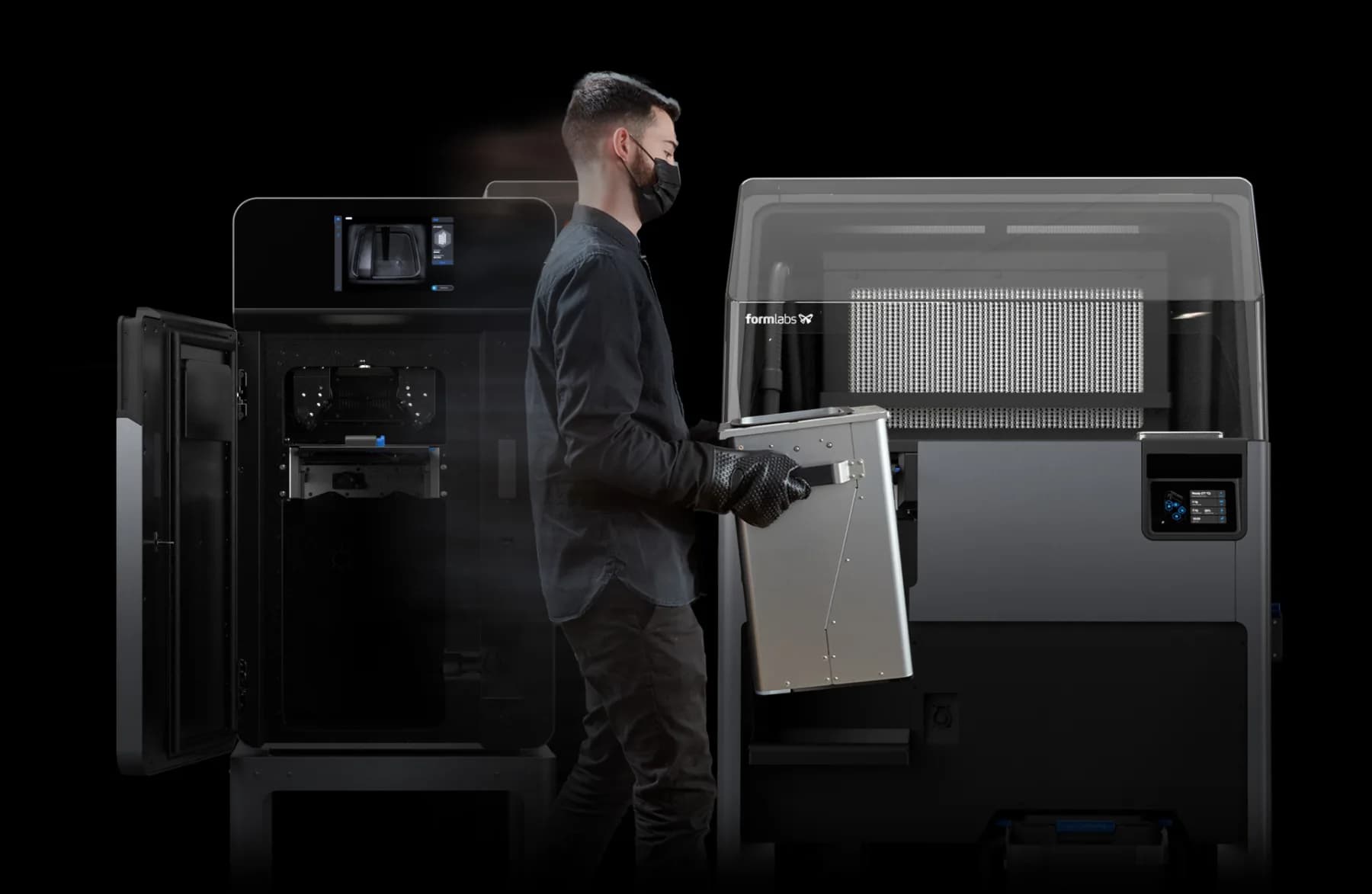
POST-PROCESSING · Recovery and cleaning
Fuse Sift + Fuse Blast, closed loop
Fuse Sift recovers unsintered powder and Fuse Blast automates media cleaning. The cycle depends on material and geometry; hard-to-reach areas may need extra work.
- Blast Standard cycle
- 15 min
- medium glass
- 200–300 µm
- cycle path
- unattended
- powder circulation
- closed
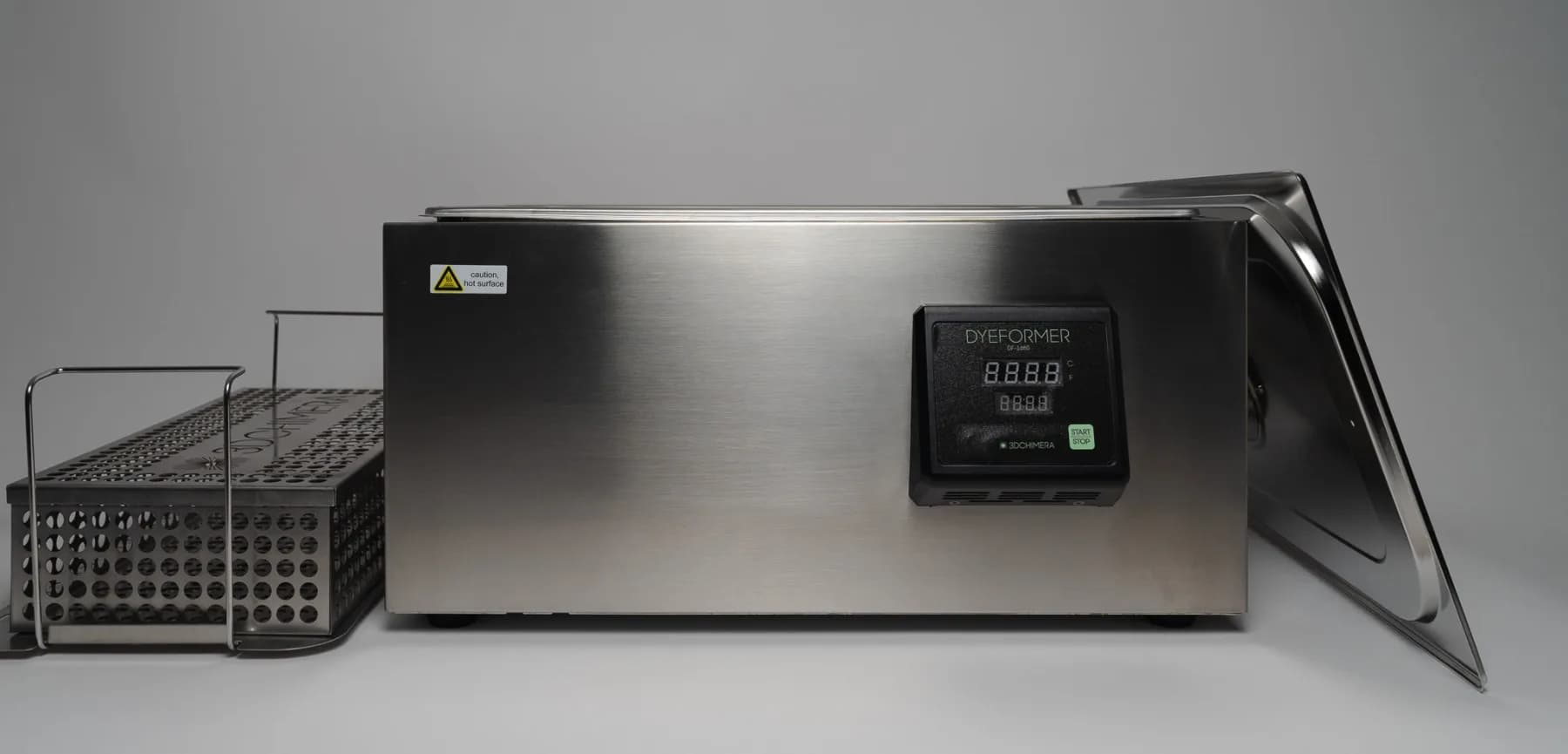
DEEP DYEING · 3DChimera
Dyeformer 1680, color without coating
The bath dyes PA12 surfaces without a paint coating. We check shade and critical fits after drying; abrasion or machining may expose a different colour.
- dyeing cycle
- 1 h
- tank, mm
- 495 × 292 × 152
- materials
- PA12 · resins
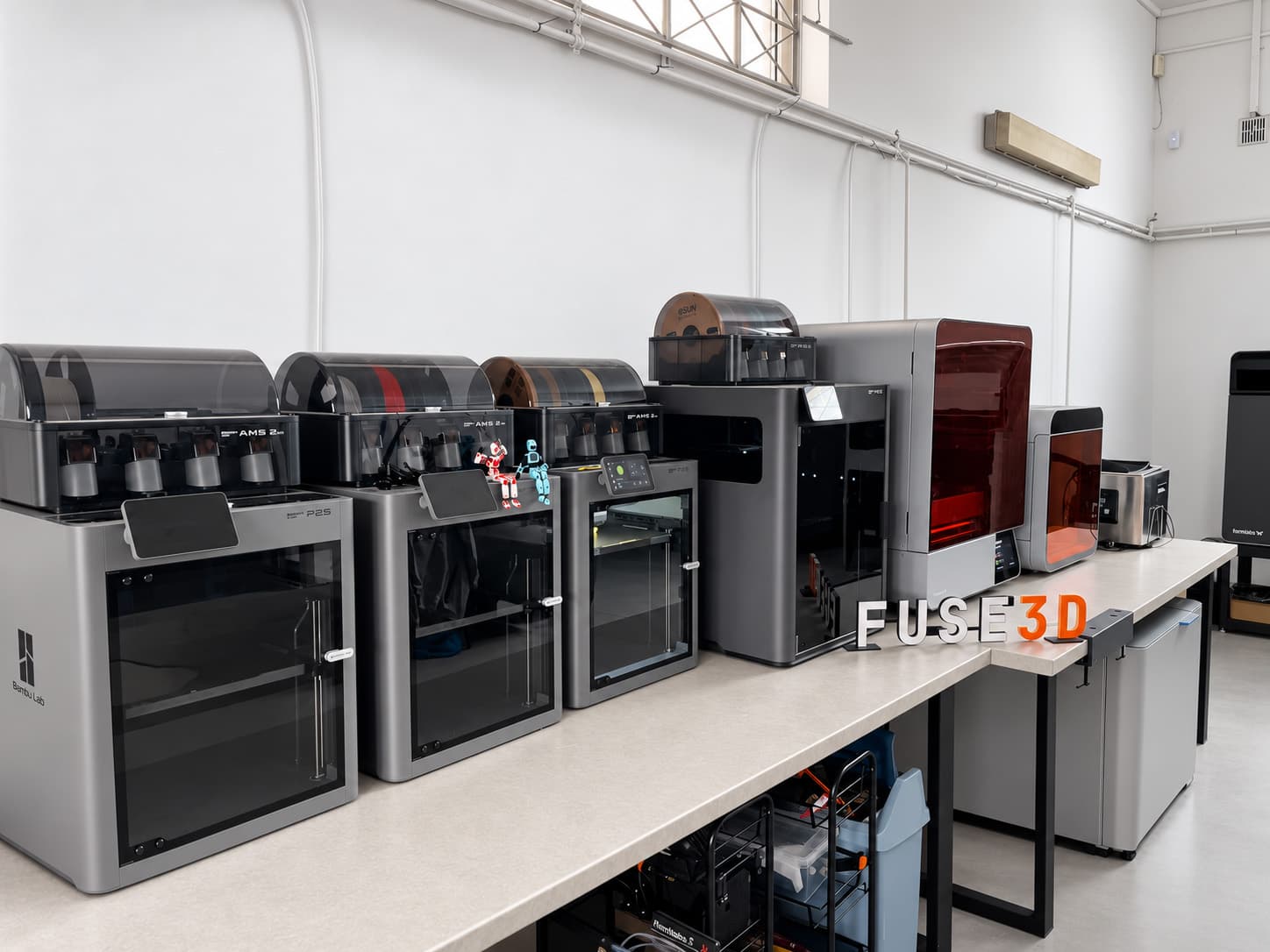
FDM · 8 printers
Bambu Lab P2S Combo
Eight FDM printers for prototypes, functional parts and repeatable short runs.
- number of printers
- 8
- build volume, mm
- 256×256×256
- layer height with a 0.4 mm nozzle
- 120–280 µm
- filament feeding
- AMS 2 Pro
FDM · larger format
Bambu Lab H2C AMS Combo
FDM printing for larger parts and multicolour designs after model and filament review.
- number of printers
- 1
- single hotend build volume, mm
- 305×320×325
- dual hotend build volume, mm
- 300×320×325
- filament feeding
- AMS Combo
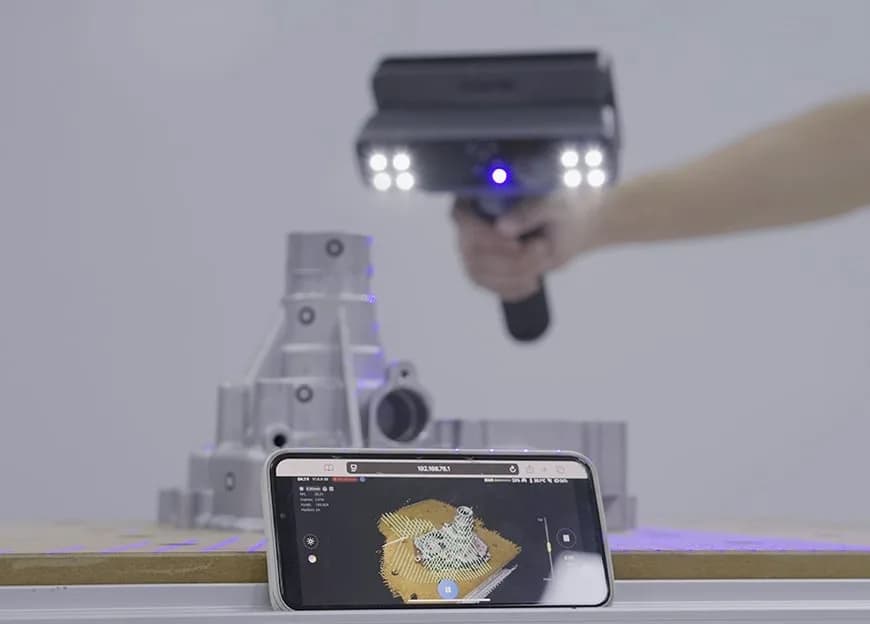
3D SCAN · Tri-mode laser
EinScan Rigil, 3D scan and reverse
Scanning of exposed part surfaces. For a new CAD model, we agree critical dimensions, wear and reconstruction scope; the scan does not capture a hidden interior.
- Laser HD volumetric accuracy, manufacturer data
- 0.04 mm + 0.06 mm/m
- Finest Laser HD resolution setting
- 0.05 mm
- crossed / parallel lines
- 25+25 / 7
- working distance, mm
- 170–550
Manufacturer's Laser HD data; not a measurement of your part or a printed-part tolerance.
Explore 3D scanningFrom chamber to finished part
Fuse 1+ 30W
01 · FUSE SIFT
Powder recovery
Powder is removed and sieved before reuse. The fresh-powder proportion follows the material and process.
02 · FUSE BLAST
Automatic cleaning
Media cleaning uses a cycle selected for the geometry. Afterward we inspect surfaces and accessible channels.
03 · COLORING
Deep dyeing
Dyeing follows part cleaning. We review the shade on a sample and after the batch dries.
04 · INSERTS
Hot press-in
Heat-installed threaded inserts provide a threaded connection. We choose their number, size and installation method for the design and loads.
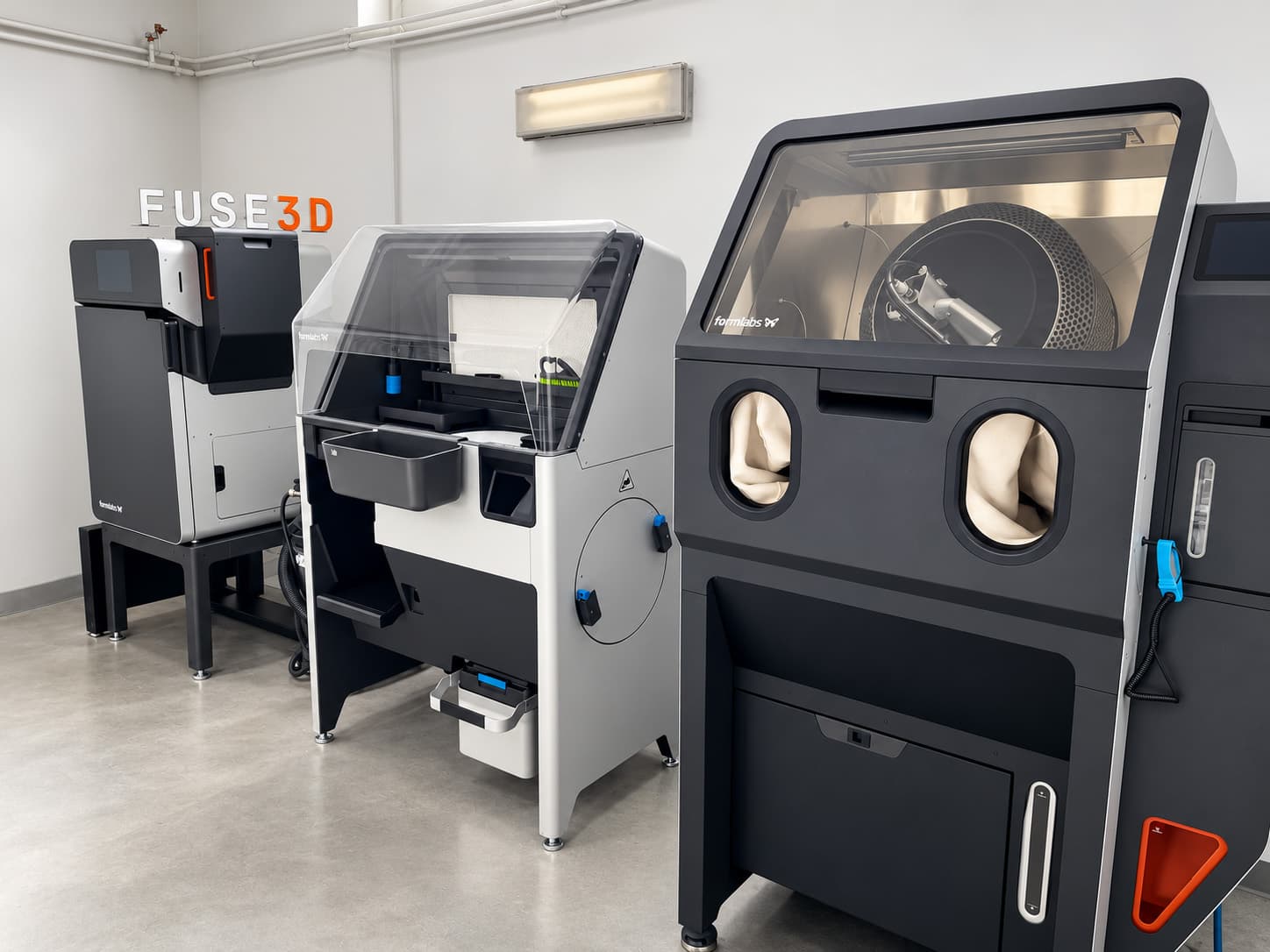
The final step is optional: threaded inserts are pressed in after coloring, with their quantity and size quoted by the technician. The calculator automatically counts printing and surface finishing.
Resin path: Form Wash L and Form Cure LFour steps in SLA printing, two of which occur after removal from the machine.
01 · PRINT
Layer height selected for the part
Resin curing on Form 4L. Layer height, orientation and supports are selected for the resin and geometry.
02 · FORM WASH L
Washing and drying
Washing in Form Wash L (43 l) removes uncured resin from accessible surfaces. Channels and internal spaces need access; the duration and washing liquid are selected for the material.
03 · FORM CURE L
Post-curing
Form Cure L: 405 nm light and a machine temperature range up to 100 °C. The cycle depends on the resin; properties are compared using the conditions stated in its TDS.
04 · POST-PROCESSING
Supports and finishing
Support removal, treatment of support marks and the agreed finish. Visible surfaces and critical dimensions are specified before printing.
Two of these steps occur after printing, so the technician determines the resin lead time. What we print on Form 4L.
Pre-print path: scan on EinScan RigilFour steps from detail on the table to a file ready for printing.
01 · ACCEPTANCE
Part or on-site visit
The part arrives by courier. A machine standing on the line cannot be shipped, so in that case we travel, and we quote the trip separately.
02 · PREPARATION
Surface preparation and markers
We check the surface and tracking stability. Markers or spray are selected for the part; their use is agreed before preparation.
03 · SCAN
Laser HD, several settings
For part reconstruction we use Laser HD from several sides. We align accessible surfaces and check coverage; the mode alone does not guarantee a result for every part.
04 · MESH
Cleaning and export
Remove background and noise, export STL, OBJ or PLY. Filling gaps is reconstruction rather than measurement; its scope and a CAD model are agreed separately.
The scanner has no chamber, but scan scope depends on the surface and access. We assess the print envelope and any part splitting separately. What you get from the scan.
Material properties are listed in the material datasheets, and geometry guidance is in the SLS design guidelines.
Quick contact
Want to see the hall?
Leave your phone number or email. We can arrange a visit or answer your question about a machine.
Loading the form details. Please wait a moment.